Edit configuration
hal0’s configuration lives as plain TOML under /etc/hal0 (or
$HAL0_HOME/etc/hal0 if you set HAL0_HOME). The directory is
preserved across updates — the updater only swaps code, never your
config. The hal0 config CLI is a thin layer over the same files and the
running daemon; most subcommands are simple wrappers over
GET/POST /api/settings/*.
The files under /etc/hal0
Section titled “The files under /etc/hal0”| File | What it holds |
|---|---|
hal0.toml |
Top-level config: [meta] schema_version, [slots] policy, [dispatcher] prefetch tuning, [models] roots/store, [memory] engine + [memory.graph] extraction, [telemetry] channel. |
upstreams.toml |
External/upstream provider routing — one [[upstream]] block per remote or local endpoint. |
providers.toml |
Provider credential references — env-var names, never plaintext secrets. |
profiles.toml |
Optional reusable backend/flag templates. Built-in seed profiles are always overlaid from code on load and never written back here, even if the file exists. |
stacks.toml |
The stack catalogue — bundles of slot configs you can apply as one unit. Managed via the dashboard//api/stacks, not config show/edit. |
slots/<name>.toml |
One file per slot — port, device (gpu-rocm|gpu-vulkan|gpu-cuda|cpu|npu), the slot’s hardware grid (n_gpu_layers, threads, binary, image_pin), profile reference, [model], [server], [npu], and (on the img slot) [image]. |
mcp-servers/<id>.toml |
One file per MCP server you’ve installed with hal0 mcp install. Mode 0600 — secrets live in its env block. |
Other files the runtime drops here: hardware.json (cached hardware
probe), manifest.json (release image pins), capabilities.toml
(persisted capability-slot selections).
Show and edit
Section titled “Show and edit”hal0 config show # hal0.toml (default)hal0 config show upstreamshal0 config show providersPrints the file as it is on disk. Edit the same three files in $EDITOR
(falling back to $VISUAL, then vi) — if the file doesn’t exist yet,
it’s created with a valid skeleton first:
hal0 config edithal0 config edit upstreamsValidate before you reload
Section titled “Validate before you reload”hal0 config validateLoads and validates hal0.toml, upstreams.toml, and providers.toml
against the current Pydantic schema. It prints each problem and exits
non-zero on any failure.
Reload a running daemon
Section titled “Reload a running daemon”After editing, ask the live daemon to re-read its TOMLs without a full restart:
hal0 config reloadThis hits POST /api/settings/reload. Structural edits to
upstreams.toml still need a full hal0-api restart — see
Connect external providers.
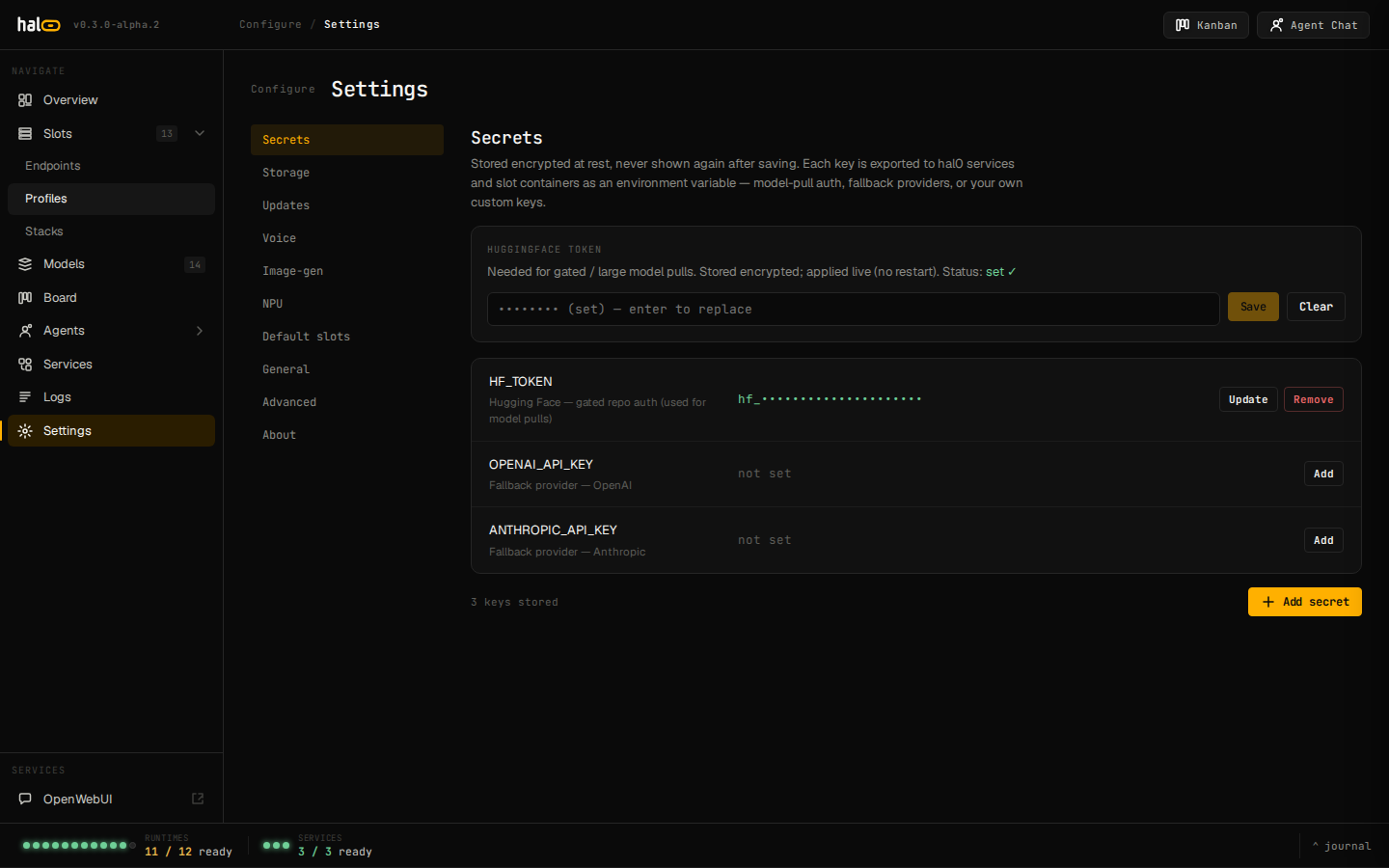 Settings page with live daemon status and reload controls.
Refresh the hardware probe
Section titled “Refresh the hardware probe”hal0 config hardware # show the cached probehal0 config hardware --refresh # force a fresh probeReplaces the old, now-deprecated hal0 probe top-level command.
Migrate the schema forward
Section titled “Migrate the schema forward”hal0 config migrateReads meta.schema_version, runs the registered migration chain, and
atomically writes the result back only if the version actually
advanced. If the config is already current (or absent), nothing is
written.
Hardware ownership moved: slot, not profile
Section titled “Hardware ownership moved: slot, not profile”If you’re carrying config from a pre-v1.0 install: profiles used to own
device/context-size selection. As of v1.0 the slot owns its hardware
grid directly — device, n_gpu_layers, threads, binary, and the
image_pin escape hatch all live on SlotConfig, not the profile. A
profile now only supplies flags/image template; the slot supplies model,
context, and port. Legacy per-slot fields (parallel, chat_template,
[model].n_gpu_layers, [server].extra_args) are marked inert at launch
and folded into the bound model’s own defaults by a one-shot migrator —
see Choose models.
[server].extra_args is screened everywhere
Section titled “[server].extra_args is screened everywhere”The freeform [server].extra_args string on a slot (llama-server CLI
passthrough — sampling params, --jinja, --metrics, cache/quant
tuning) is checked against a denylist of hardware and hal0-managed flags
(--n-gpu-layers/-ngl, --device/-dev, --threads/-t, --model,
--ctx-size, --host, --port, --alias) before it’s written. This
screen now runs on every write path — the HTTP config route, hal0 slot create/edit, and the stacks-apply engine — not just the API route
it originally covered. A blocked flag fails the write outright with a
slot.hardware_flag_denied or slot.managed_arg_denied error explaining
where that setting actually belongs (the slot’s hardware grid, or the
model’s own launch defaults) rather than being silently stripped.
Atomic writes
Section titled “Atomic writes”Every config write hal0 performs — config migrate, the settings API,
the updater’s hal0.previous record — uses a tempfile + os.replace
pattern so a write is either fully applied or not at all.
See also
Section titled “See also”- Configuration schema reference — every key in
hal0.tomland the per-slot files. - Manage slots — the slot-owned hardware grid in practice.
- Update and roll back — how updates preserve
/etc/hal0, and the profiles.toml reseed warning. - Connect MCP servers — the
mcp-servers/<id>.tomlfiles.